What we supply · 10 systems, 101 product types
Know what you need? Build your RFQ.
Pick the items, set the sizes, send the list. We come back with a priced offer.
Search results
Product types
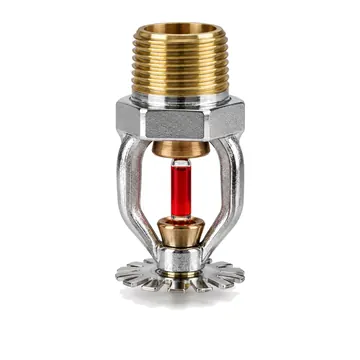
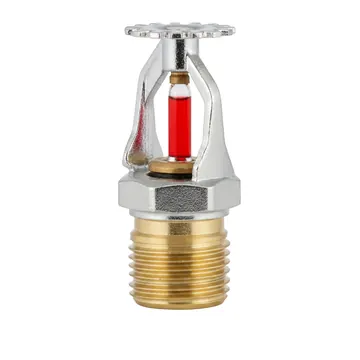
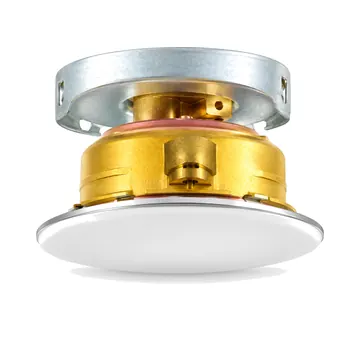
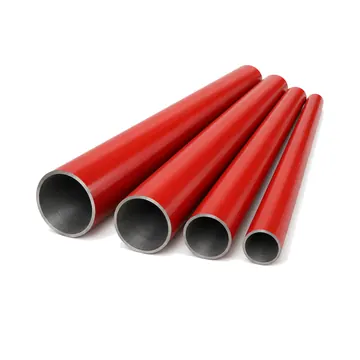
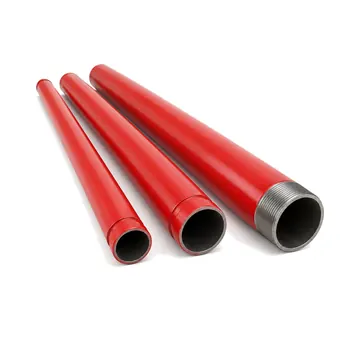
- Steel pipe, EN / BSPipe
- CPVC sprinkler pipePipe
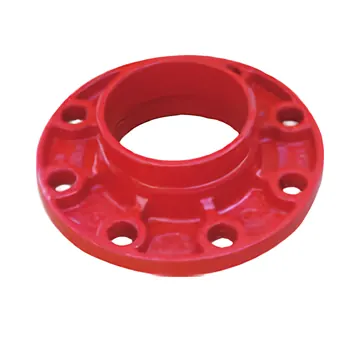
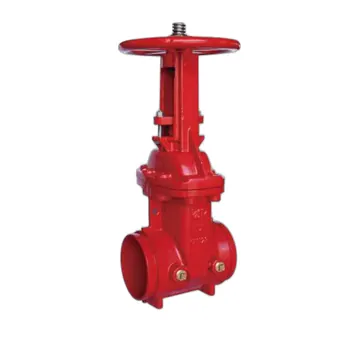
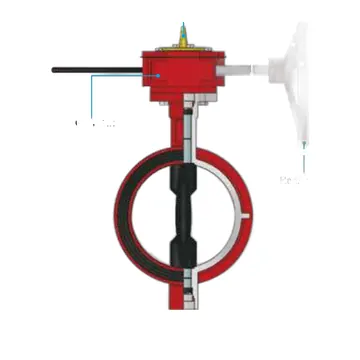
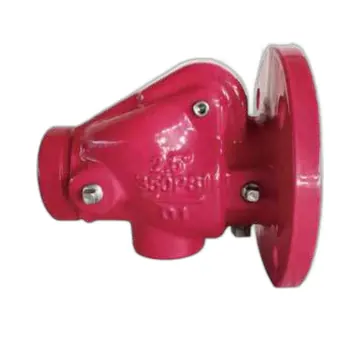
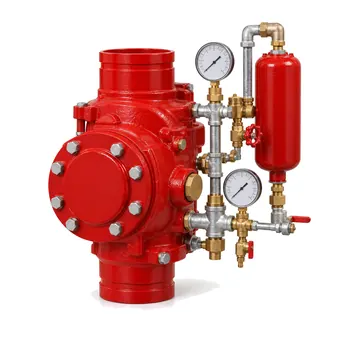
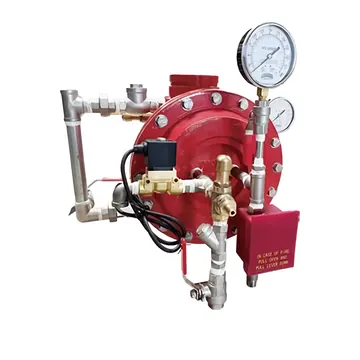
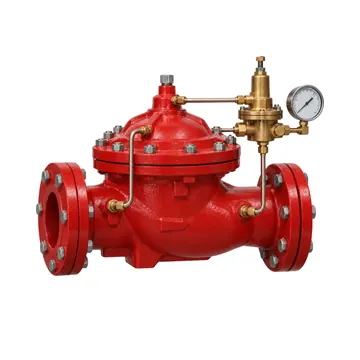
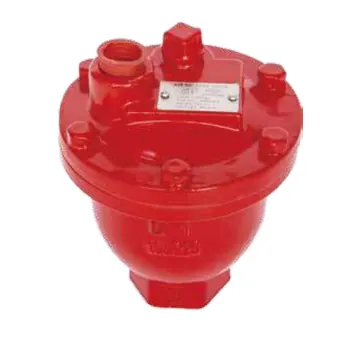
- Zone control assemblyValves and monitoring
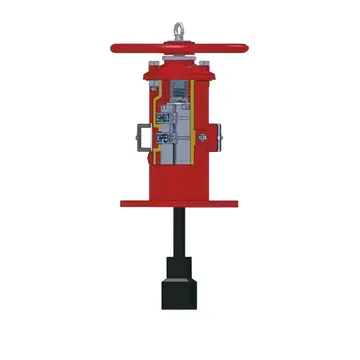
- Electric main fire pumpFire pumps
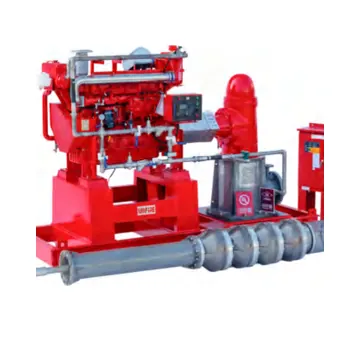
- Jockey pumpFire pumps
- Packaged fire pump set on skid with controllersFire pumps
- Containerized fire pump roomFire pumps
- Fire pump diesel engineFire pumps
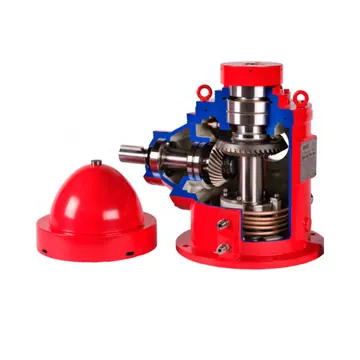
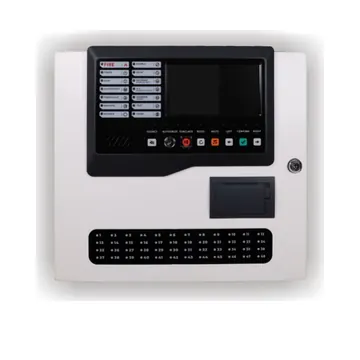
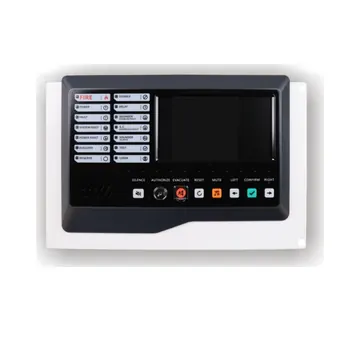
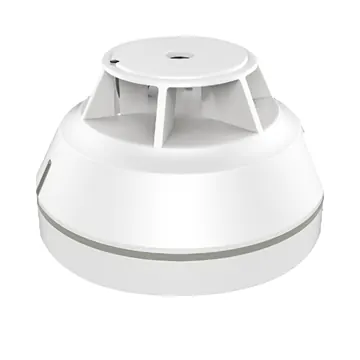
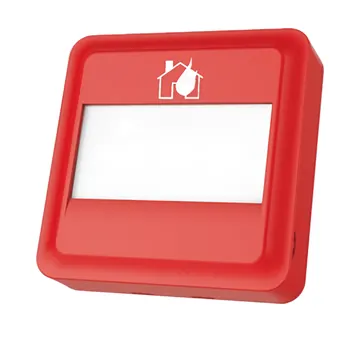
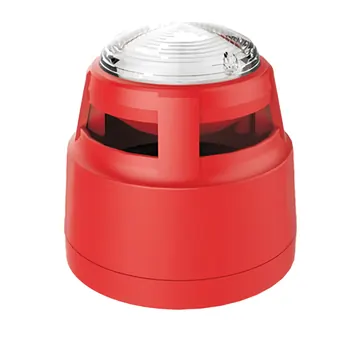
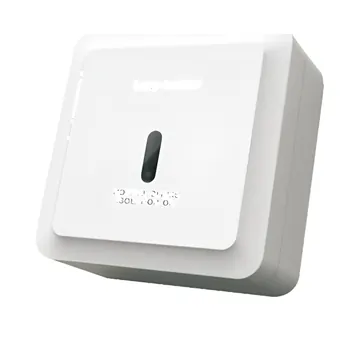
- Fire alarm cableFire alarm
- Standby batteryFire alarm
- Fire alarm test equipmentFire alarm
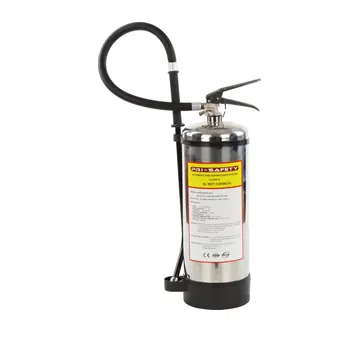
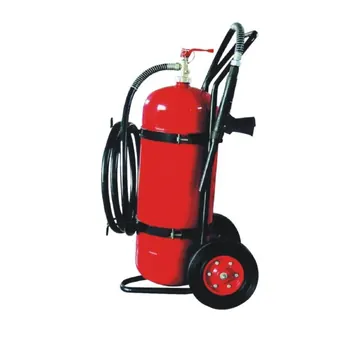
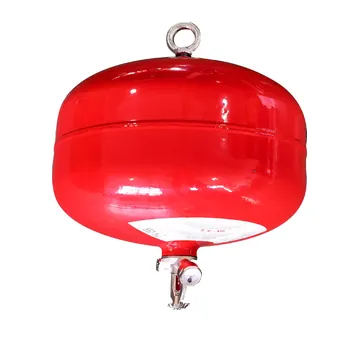
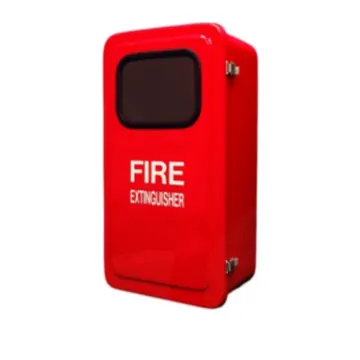
- Fire blanketExtinguishers and safety
- Fire safety signExtinguishers and safety
- Photoluminescent floor and stair markingExtinguishers and safety
- Clean agent suppression systemGas suppression
- CO2 suppression systemGas suppression
- Kitchen hood wet chemical systemGas suppression
- Pre-engineered cabinet systemGas suppression
- Condensed aerosol generatorGas suppression
- Detection tube systemGas suppression
- Vehicle fire suppressionGas suppression
- Gas system componentGas suppression
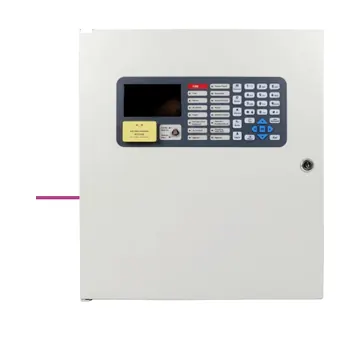
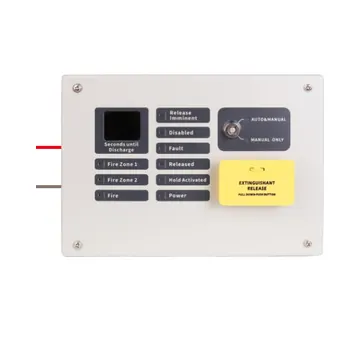
- Refill and room integrity testGas suppression
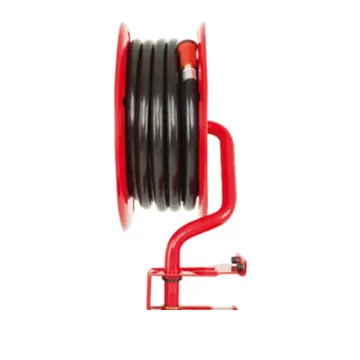
- Wet riser landing valve cabinet setHose cabinets and hydrants
- Combined hose reel and landing valve cabinet setHose cabinets and hydrants
- Dry riser outlet set (per floor)Hose cabinets and hydrants
- Dry riser inlet setHose cabinets and hydrants
- External hydrant setHose cabinets and hydrants
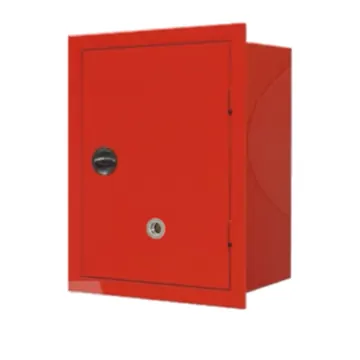
- Class II / III hose stationHose cabinets and hydrants
- Fire department connection setHose cabinets and hydrants
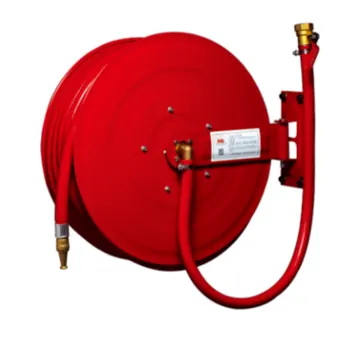
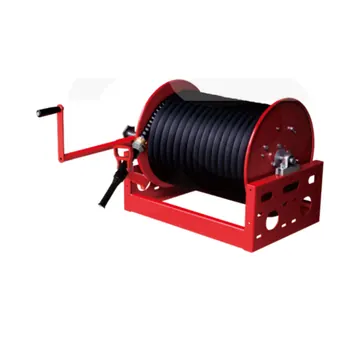
- Hose reel hose (semi-rigid)Hose cabinets and hydrants
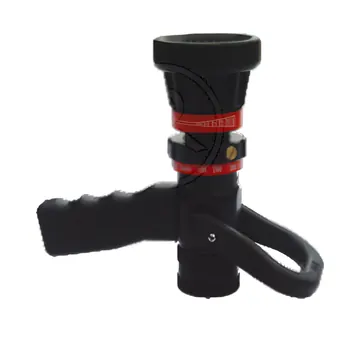
- Hose reel isolating valveHose cabinets and hydrants
- Hose guideHose cabinets and hydrants
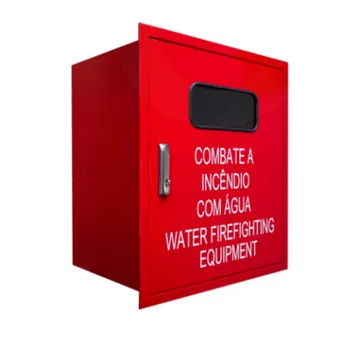
- Landing valve box (dry riser outlet)Hose cabinets and hydrants
- Inlet box (dry riser / foam inlet)Hose cabinets and hydrants
- Hydrant hose box (outdoor)Hose cabinets and hydrants
- Lay-flat fire hoseHose cabinets and hydrants
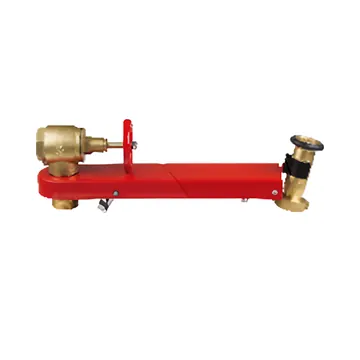
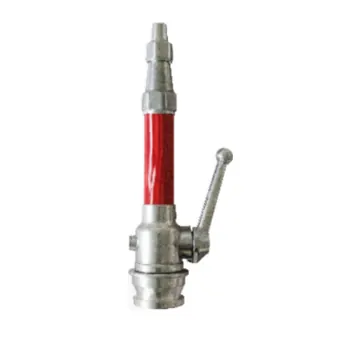
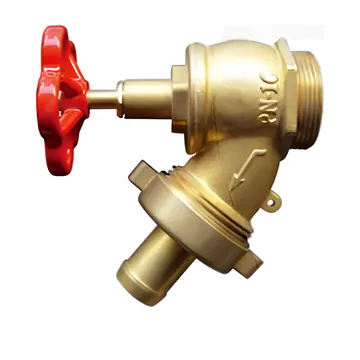
- Pressure-reducing landing valve / pressure-regulating hose valveHose cabinets and hydrants
- Dividing breeching / gated wyeHose cabinets and hydrants
- Collecting headHose cabinets and hydrants
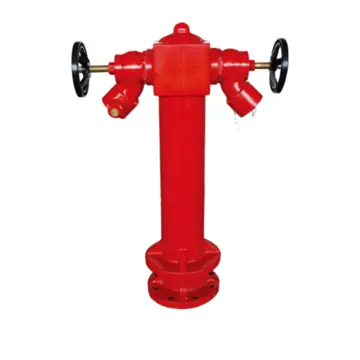
- Underground hydrantHose cabinets and hydrants
- Hydrant standpipeHose cabinets and hydrants
- Hydrant key / wrenchHose cabinets and hydrants
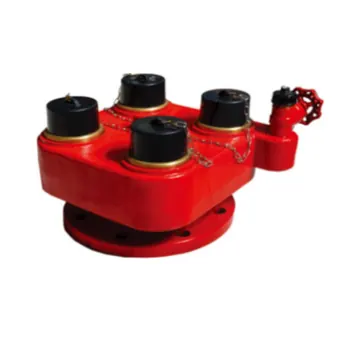
- Foam inletHose cabinets and hydrants
- Signs and marker platesHose cabinets and hydrants


Products
Systems


Have a full BOQ?
Send the file as it is
Excel, PDF or drawings. We read every line and answer it in one offer, in your line order. Tick "Listing required" on a line and we quote only products that carry that manufacturer listing.
Listings and approvalsHow listings work on a line
Products come from established manufacturers. Where a project calls for UL, FM or EN approved items, tick it on the line and we quote only products carrying that listing, with the references in the submittal.
Don't see an item?If it belongs in a fire system, we can source it
Send the specification or a data sheet with your RFQ.